
Creating Your Hospet Account
Last updated on
To create your account in Hospet you can utilize the following steps:
-
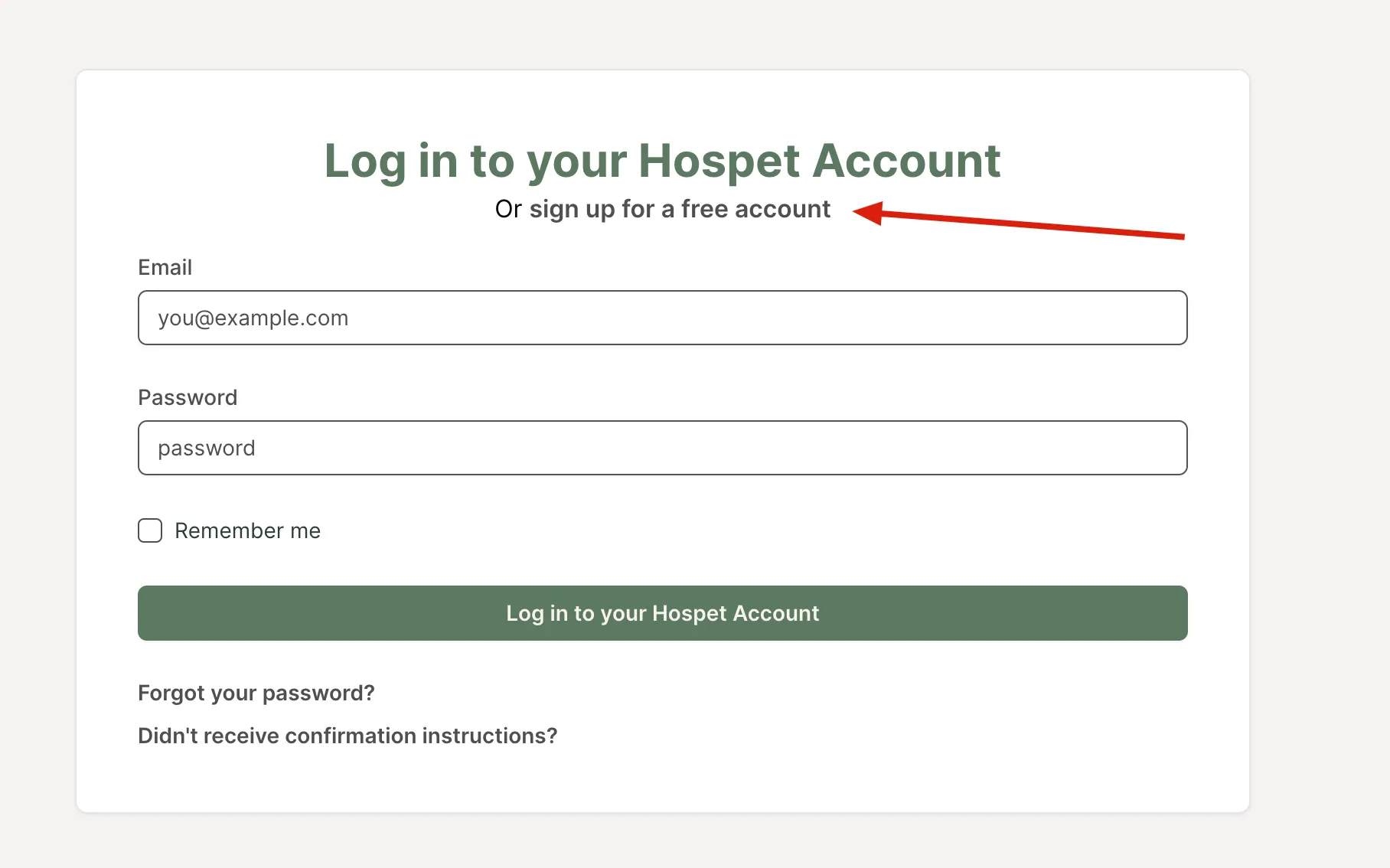
Visit https://my.hospet.app
-
Click the “Sign up for a free account” link
-
Fill in the information regarding your account
-
Click the “Sign up for Hospet” button
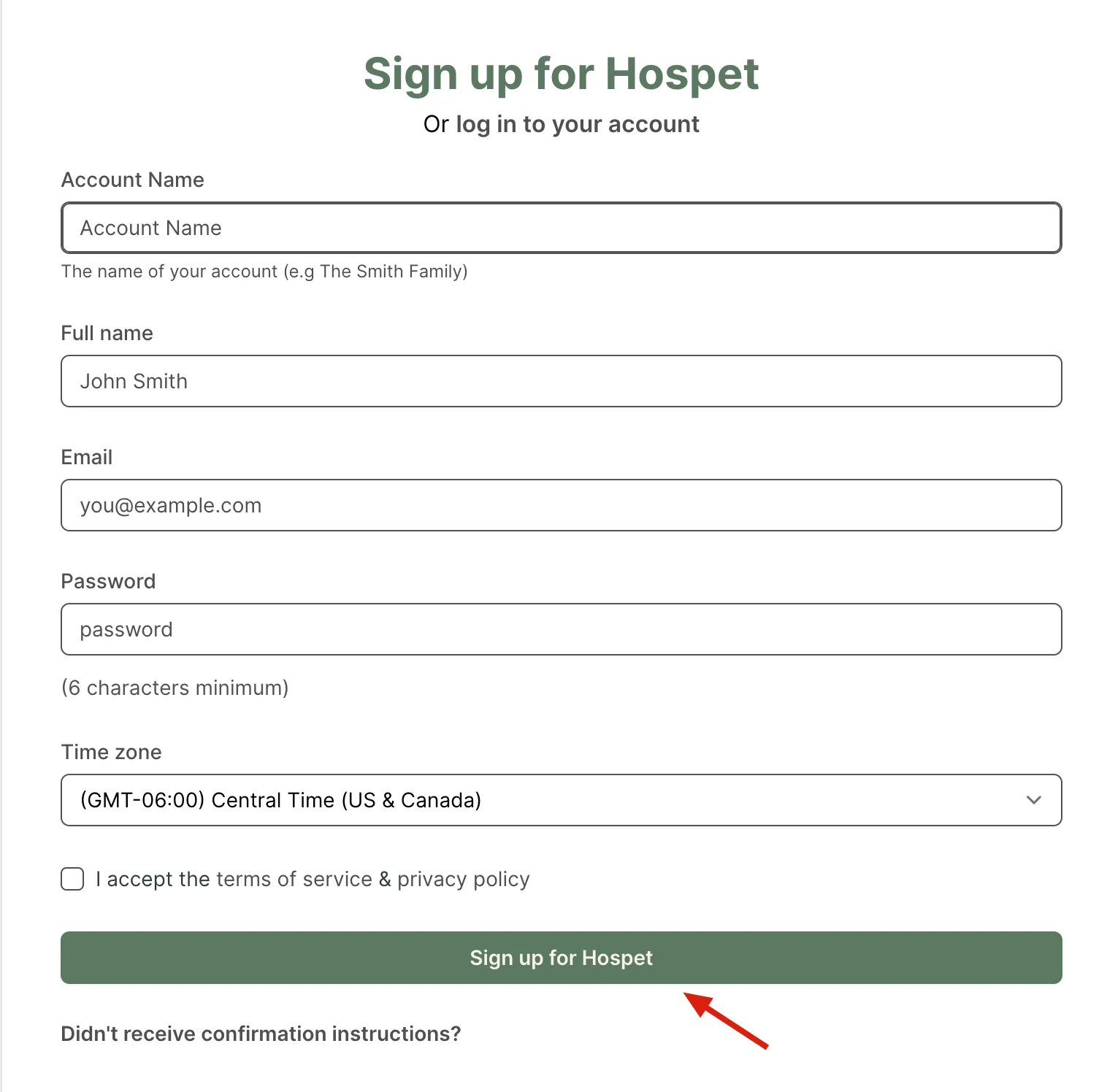
After hitting submit your free Hospet account will be created and you will be taken to the Dashboard where you can start by adding your first pet.