How do I create/edit my end of life care plan for my pet?
Last updated on
Creating an End-of-Life Care Plan in Hospet helps you document your wishes and ensure that your pet’s final days are as comfortable and dignified as possible. You can easily create or update your plan at any time. Here’s how:
Creating an End-of-Life Care Plan
-
Log into your Hospet account
- Go to my.hospet.app and sign in.
-
Navigate to the End-of-Life Care Plan section
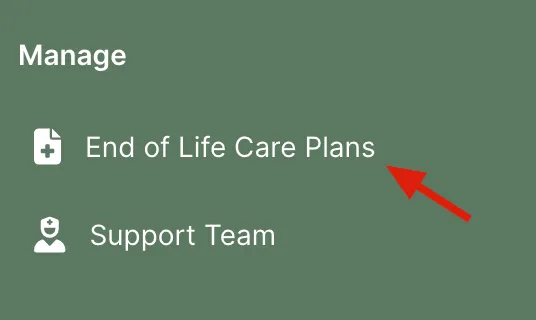
- From the dashboard, select End of Life Care Plans in the menu.
-
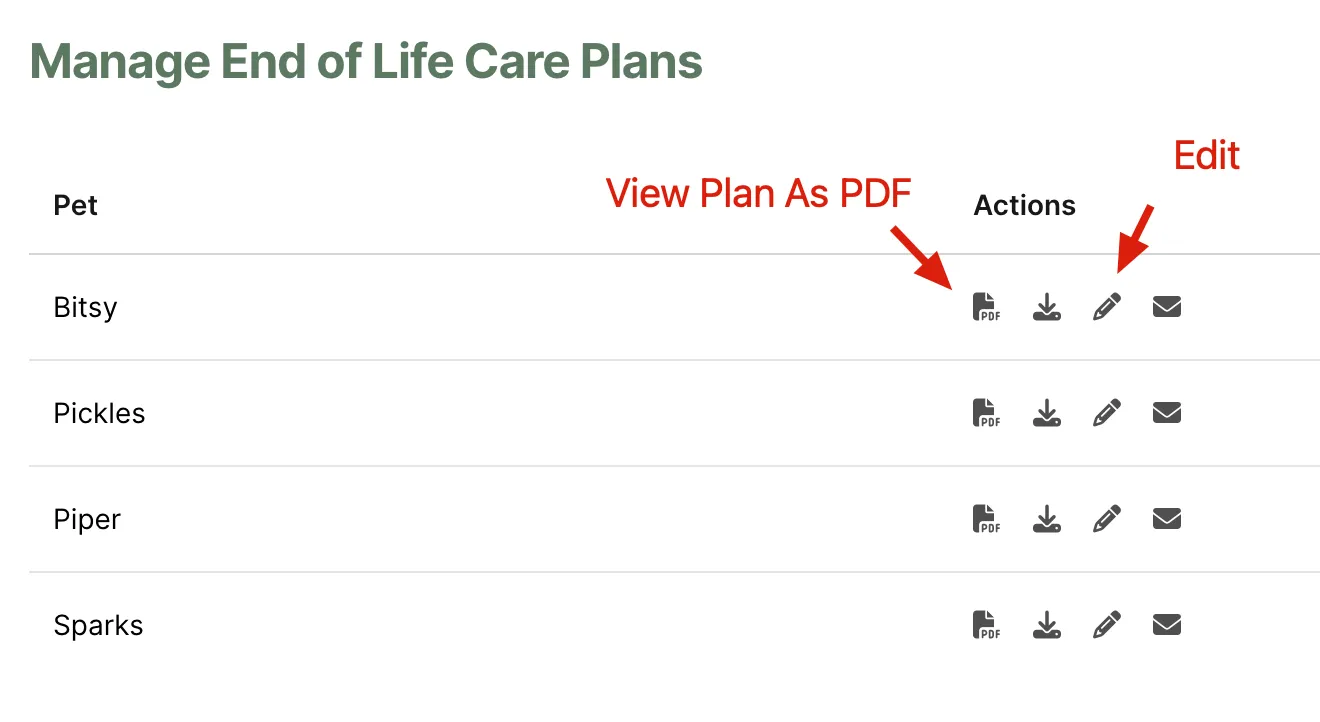
Click the Edit (pencil) icon next to the pet you’d like to create/edit your end-of-life care plan for.